
Public vs Private Instagram Accounts: What Changes for Followers and Reach?
Going private on Instagram limits your posts to approved followers, removes you from recommendations to non-followers and switches off Insights. Here is what changes and how to choose.
On this page
The privacy switch on Instagram looks like a small setting, but it changes who can see your posts, how new people follow you, whether Instagram can show your content to strangers, and which tools you keep. The right choice depends on what the account is for, so it helps to know exactly what each setting does before you flip it.
In short, Instagram says posts from a private account are visible only to approved followers, while posts from a public account can be seen by anyone on Instagram. Almost every other difference between the two settings follows from that one rule.
At a glance
- Private posts are visible only to approved followers. Public posts can be seen by anyone on Instagram.
- Only public content can be recommended to non-followers in Reels, Explore, Search and Suggested Accounts.
- Being eligible for recommendations does not mean Instagram will recommend your posts.
- Creator and business accounts cannot be private, and Insights only work on those accounts.
- Going private does not remove existing followers or reset your reach.
- Pick the setting that matches what the account is for, not a growth trick.
What a Private Instagram Account Does
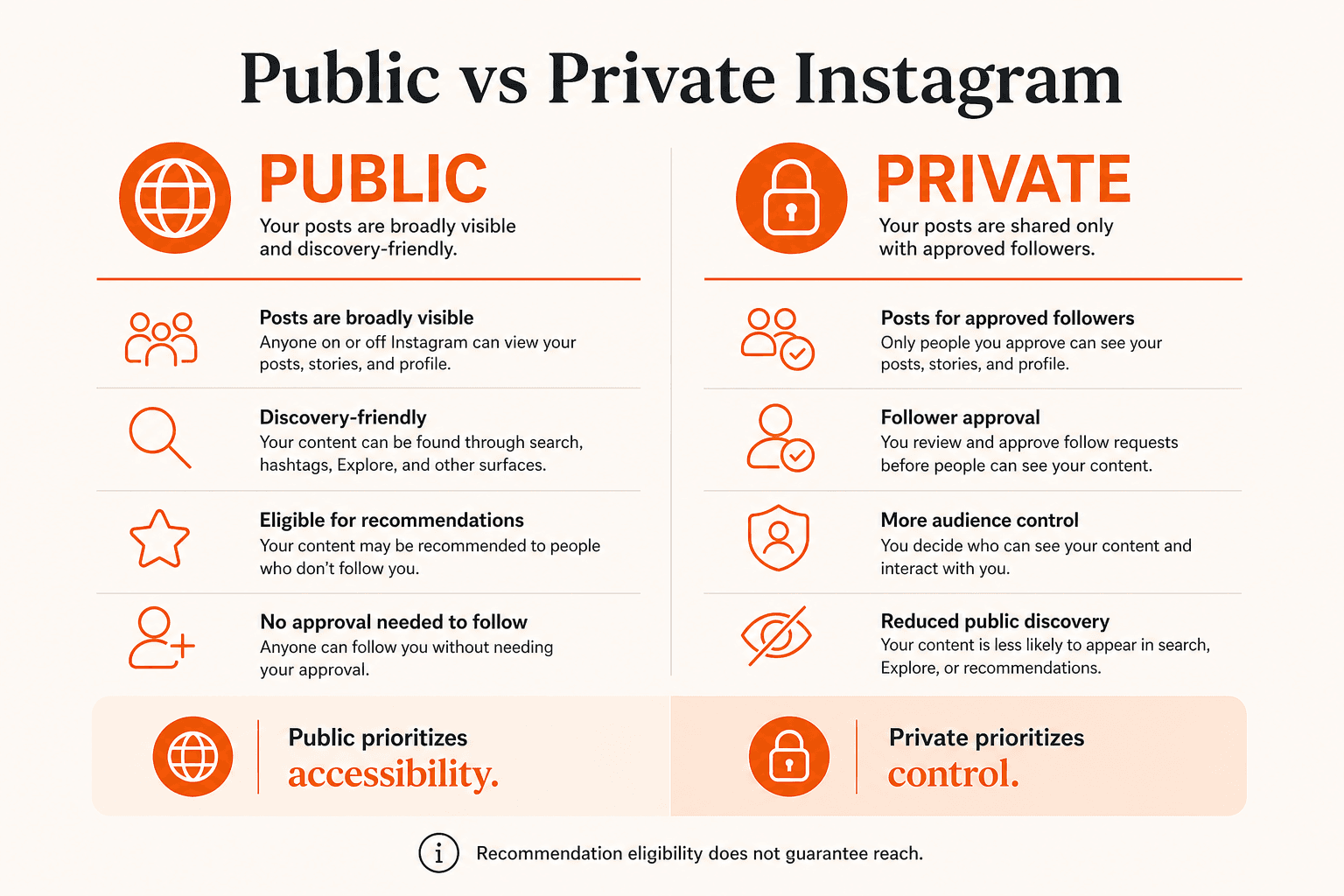
On a private account, someone who finds your profile can see your name, photo, bio and follower counts, but not your posts. To see them, they send a follow request and wait for you to approve it. You can approve or decline each request, and you can remove existing followers at any time.
That approval step is the whole point. It gives you control over exactly who sees your photos, Reels and Stories, which is why private accounts suit personal profiles, family accounts and anyone who would rather not share content with strangers.
The trade off is discovery. A person who lands on a private profile cannot browse a few posts to decide whether the account is worth following. They have to request access first, which is a bigger ask than tapping Follow on a profile they have already enjoyed.
What a Public Instagram Account Does
On a public account, anyone on Instagram can see your posts, and anyone with the link can open your profile on the web. People can follow you without waiting for approval.
Public status also makes your content eligible to be shown to people who do not follow you. Instagram lists Reels, Explore, Search, Feed recommendations and Suggested Accounts as the places where this can happen, and it is clear that being eligible is not the same as being recommended. A public account can still get very little reach if its content does not interest the people Instagram tests it with.
Public vs Private at a Glance
| Feature | Public | Private |
|---|---|---|
| Post visibility | Anyone on Instagram | Approved followers |
| New follower approval | Not private approval-based | Required |
| Broad recommendation eligibility | Yes, if eligible | Not public recommendation content |
| Web post visibility | Public | Restricted |
| Professional account | Supported | Not supported |
The recommendation row is where most confusion comes from. Instagram does not punish private accounts with a hidden penalty. Private posts simply sit outside the recommendation system because you chose to limit them to approved followers. Going public removes that barrier, but it does not decide how well your content performs once it is eligible.
Does Making Your Instagram Private Reduce Reach?
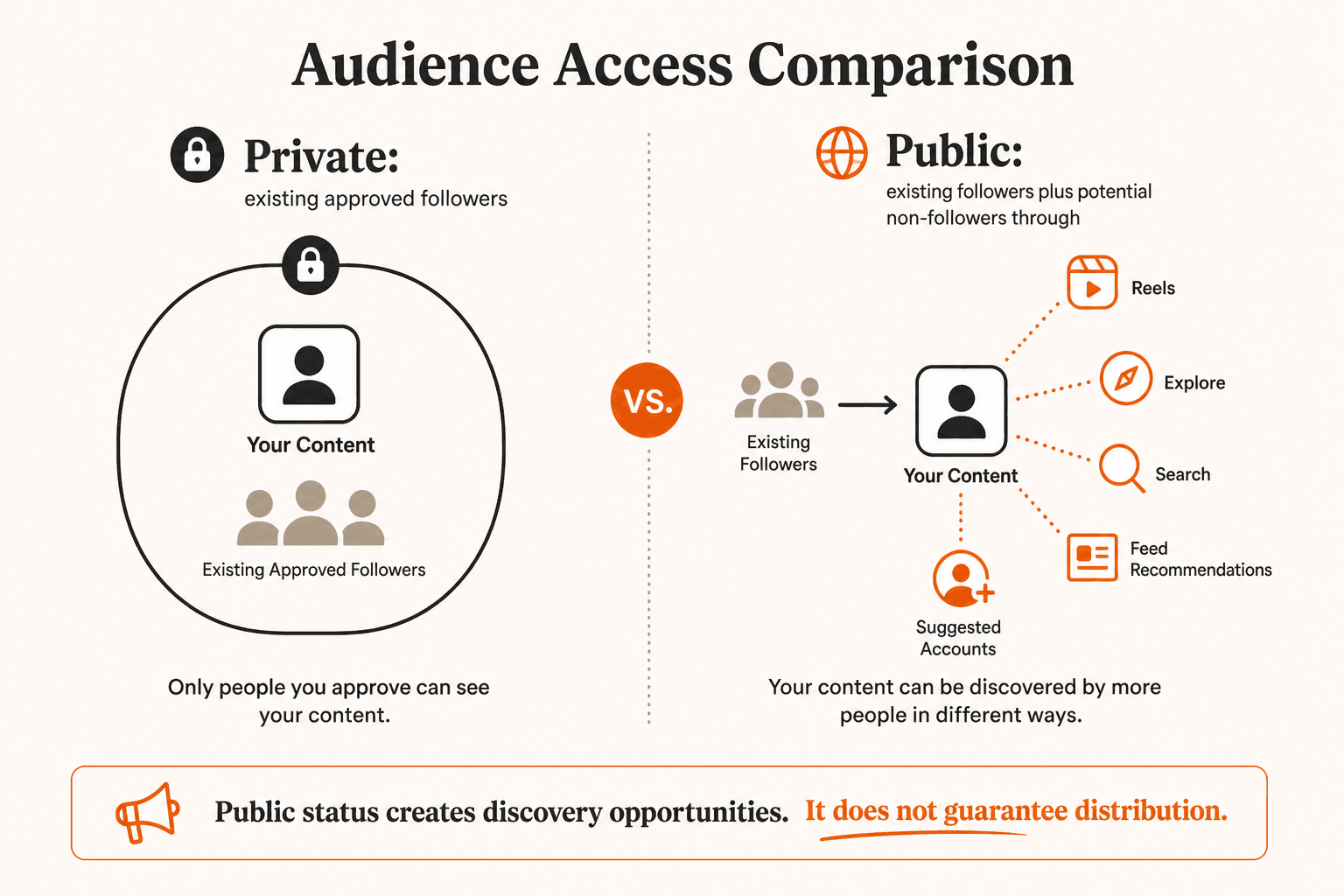
It reduces the number of people who can possibly see your posts. On a private account, your audience is your approved followers. On a public account, your audience is your followers plus anyone Instagram decides to show your content to through its recommendation eligibility rules.
So if reach to you means new people finding your work, a private account has far less of it by design. If reach means your existing followers seeing what you post, privacy makes little difference, because approved followers still see your posts in their feed and Stories as normal.
The same logic answers the Explore question. Explore, Reels recommendations and Suggested Accounts are discovery features built on public content, so private posts are not candidates for them. If you want to understand what decides which public posts get picked, our guide on how the Instagram algorithm works covers the signals involved.
Can a Private Account Still Gain Followers?
Yes. Private accounts gain followers through requests, and many personal accounts grow steadily this way through friends, mutual connections and people who already know them.
What changes is the journey. On a public account, people usually discover a post, look through a few more, then follow. On a private account, they see only the profile, decide whether to request access, then wait. That extra step costs you some followers who would have followed after seeing your content, which is the price of control.
Switching to private does not remove anyone who already follows you. Your follower list stays the same, and you manage individual followers separately. If your count does fall after a change, our guide on why Instagram followers drop explains the usual reasons, such as unfollows, deactivated accounts and spam removal.
Professional Accounts Cannot Be Private
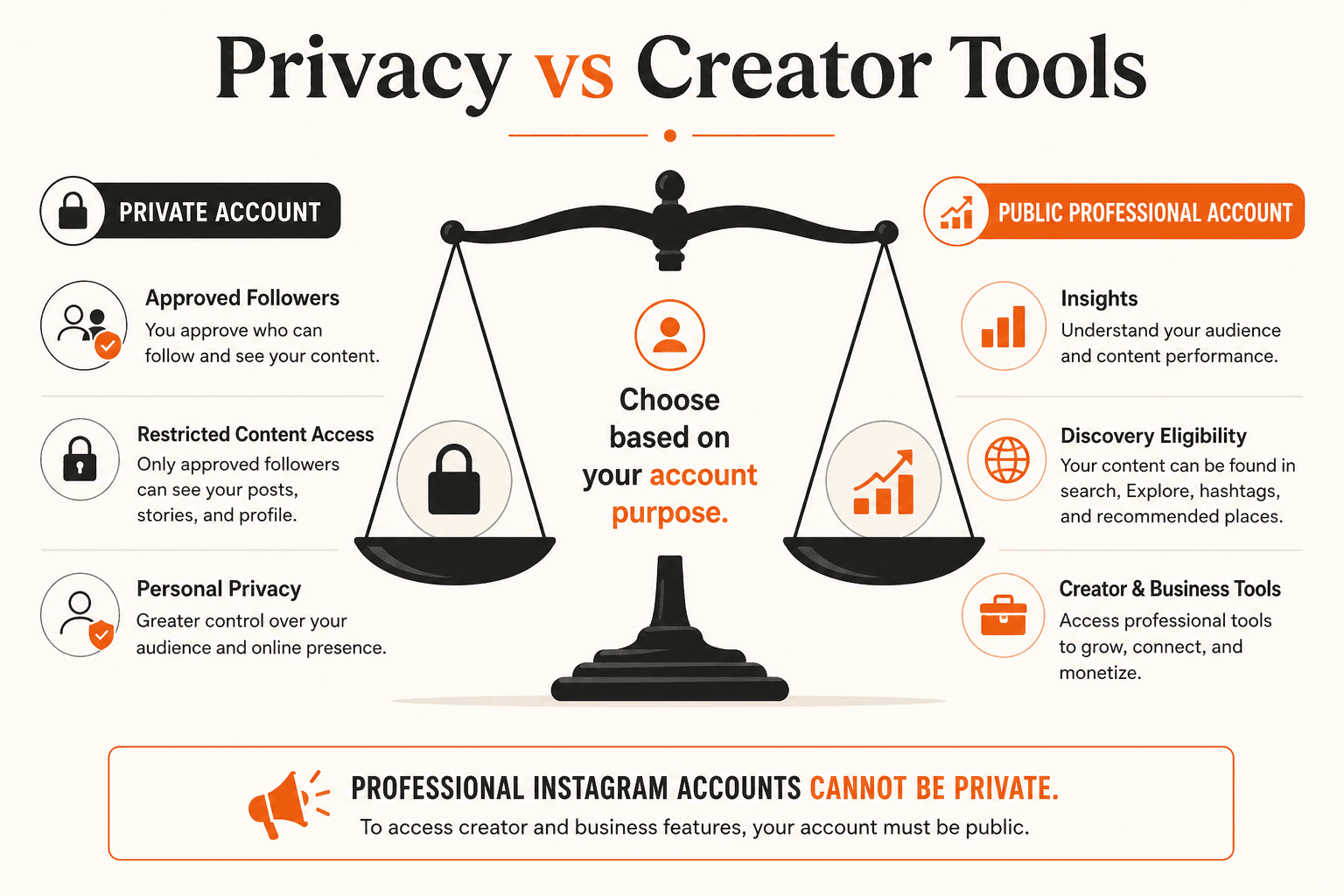
This is the rule that catches creators and businesses out. Instagram says professional accounts cannot be set to private. Creator and business accounts are always public.
That matters for three reasons:
- If you want a private account, you first have to switch back to a personal account.
- Switching back to personal removes access to Insights.
- If you move from a private personal account to a professional one, Instagram automatically accepts any pending follow requests, so review them first if that matters to you.
On Insights, Instagram's help pages say that Insights are only available on professional accounts, and that past data may come back if you later return to a professional account. If you rely on numbers such as reach, profile visits and follower activity to plan content, losing them is a real cost of going private.
Common Myths About Switching
A few tactics get passed around online that are worth clearing up.
Going private for a few days does not reset your reach or fix a suspected shadowban. If you think your account has been limited, check Account Status in your settings, which shows any restrictions and whether your content can be recommended.
Going public does not fix low reach on its own. It makes your posts eligible for recommendations, and from there it comes down to whether people watch, share and save what you post.
Going private to make people curious enough to request access is not a growth strategy. There is no sign that Instagram rewards private accounts with more followers, and you lose every discovery route that depends on public content. Hashtags do not get around privacy either. A private post with a hashtag is still only visible to approved followers.
Finally, a private account does not erase you from the internet. Your profile itself can still be found, and older public posts may have been shared or saved before you switched. Privacy controls who can open your posts on Instagram from now on.
Which Setting Is Right for You?
Choose public if the account is meant to reach people who do not know you yet. That covers creators, brands, businesses, educators and anyone who needs Insights or other professional tools. Remember that everything you post can be seen by anyone, so keep personal details out of captions and Stories.
Choose private if the account is mainly for people you know and you want to approve every follower. You give up recommendations and Insights, and in return you decide exactly who sees your content.
Younger users should keep the privacy settings Instagram applies to teen accounts. Follower numbers are never a good reason to weaken those protections.
If you are unsure, ask yourself one question: should a stranger be able to see this post today? If the answer is usually yes, public fits. If it is usually no, private does.
How to Switch Between Public and Private
For a personal account, Instagram's steps to make your account private are short:
- Open your profile and go to Settings and activity.
- Tap Account privacy.
- Turn Private account on or off and confirm.
If the option is missing, you are probably on a creator or business account. Switch to a personal account first, keeping in mind that you will lose Insights while you stay private. Menu names change from time to time, so follow the wording in your app if it differs slightly.
Before going public, check two things: that you are comfortable with every existing post being visible to anyone, and whether you have pending follow requests you would rather not accept.
Frequently asked questions
What is the difference between a public and private Instagram account?
Posts on a public account can be seen by anyone on Instagram, and anyone can follow without approval. Posts on a private account are visible only to followers you approve.
Does making Instagram private reduce reach?
It limits your audience to approved followers. Private posts are not shown to non-followers in Reels, Explore or Search, so you lose that discovery. Your existing followers still see your posts as normal.
Can a private Instagram account appear on Explore?
No. Explore and other recommendation features use content from public accounts. Private posts are only shown to approved followers.
Can a business Instagram account be private?
No. Instagram says professional accounts, which include creator and business accounts, cannot be set to private.
Do you lose Instagram Insights if you make your account private?
Yes. Insights only work on professional accounts, which are always public. Past data may become available again if you switch back to a professional account later.
Does going private remove my followers?
No. Your current followers stay. The setting only changes who can see your posts and how new people follow you.
Will going public get me more followers?
It makes your content eligible to reach people who do not follow you, which helps if your posts are useful or entertaining. It does not add followers by itself.
Related services
Related guides
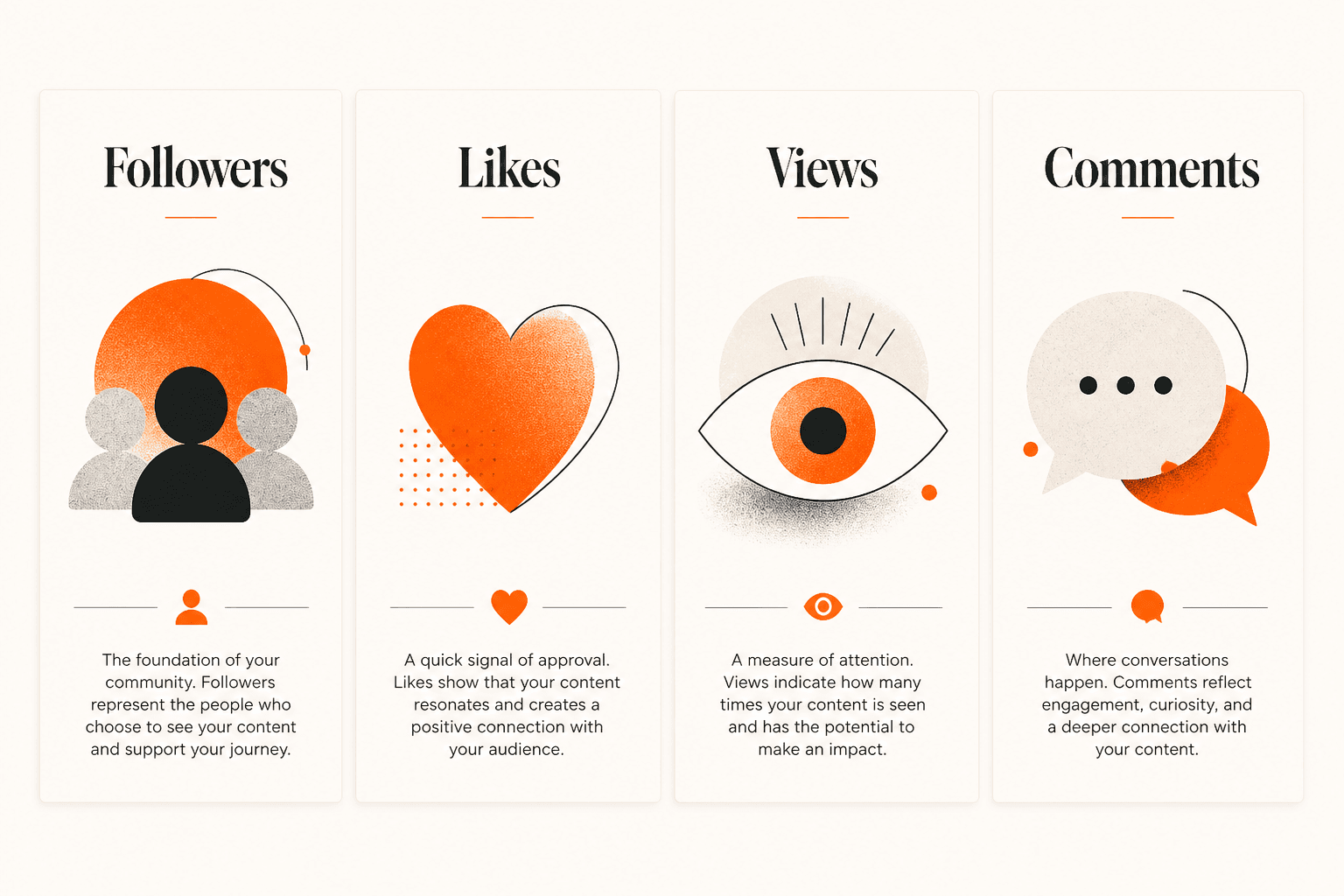
Instagram Followers vs Likes vs Views vs Comments: What Each Metric Means
Instagram followers, likes, views and comments each measure something different. Here is what every number means, why they rarely move together, and how to read them as a set.
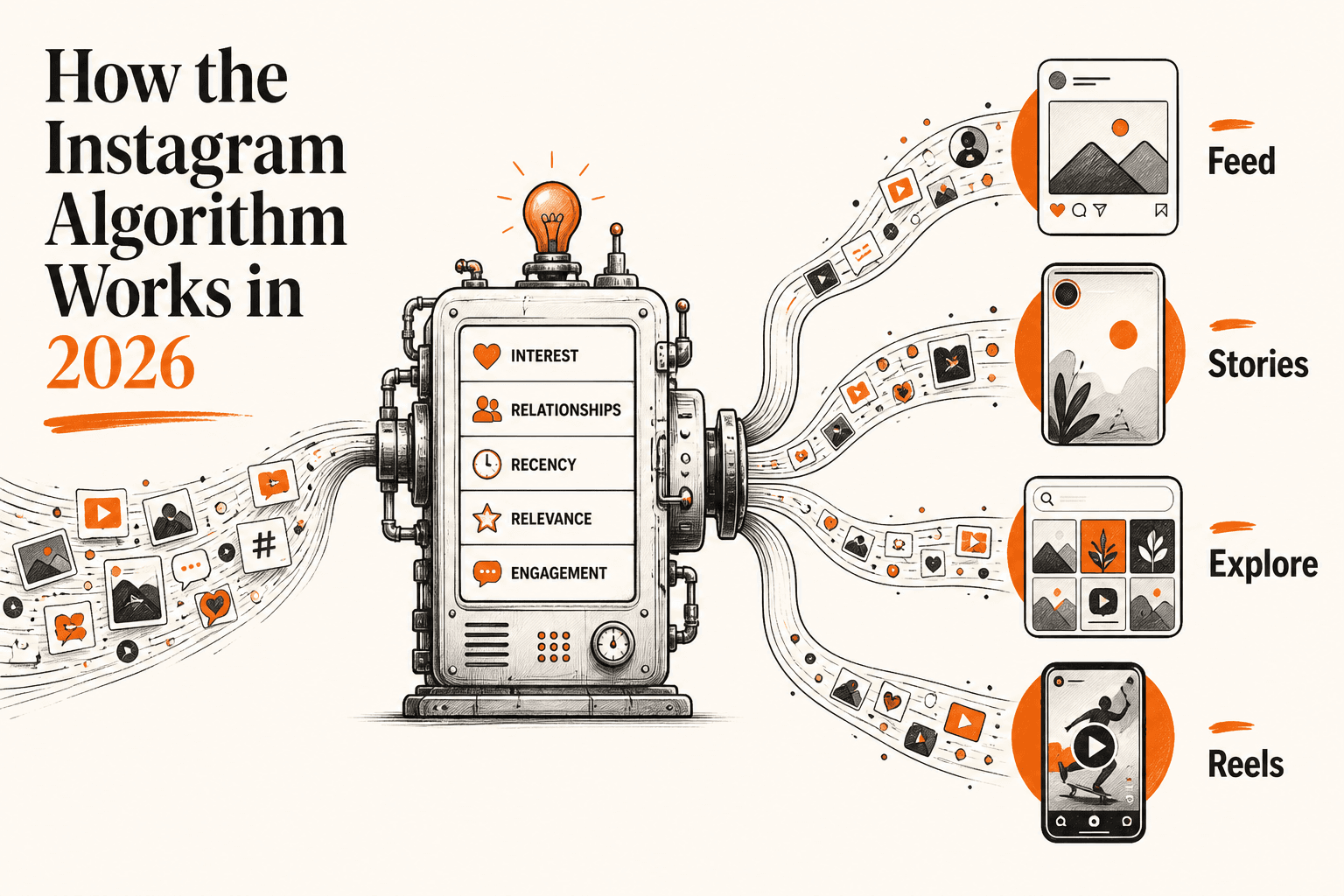
How the Instagram Algorithm Works in 2026: Feed, Reels, Explore & Stories
Instagram ranks Feed, Stories, Explore and Reels with separate systems. Here is what each one looks at, why originality matters more in 2026, and what creators can actually control.
Why Do Instagram Followers Drop? Common Reasons Explained
Instagram followers drop because people unfollow, Instagram removes disabled and spam accounts, or a viral spike settles down. Here is how to find the cause and what to do next.
Explore Instagram Services
Compare the available NovaLikes options for Instagram followers.