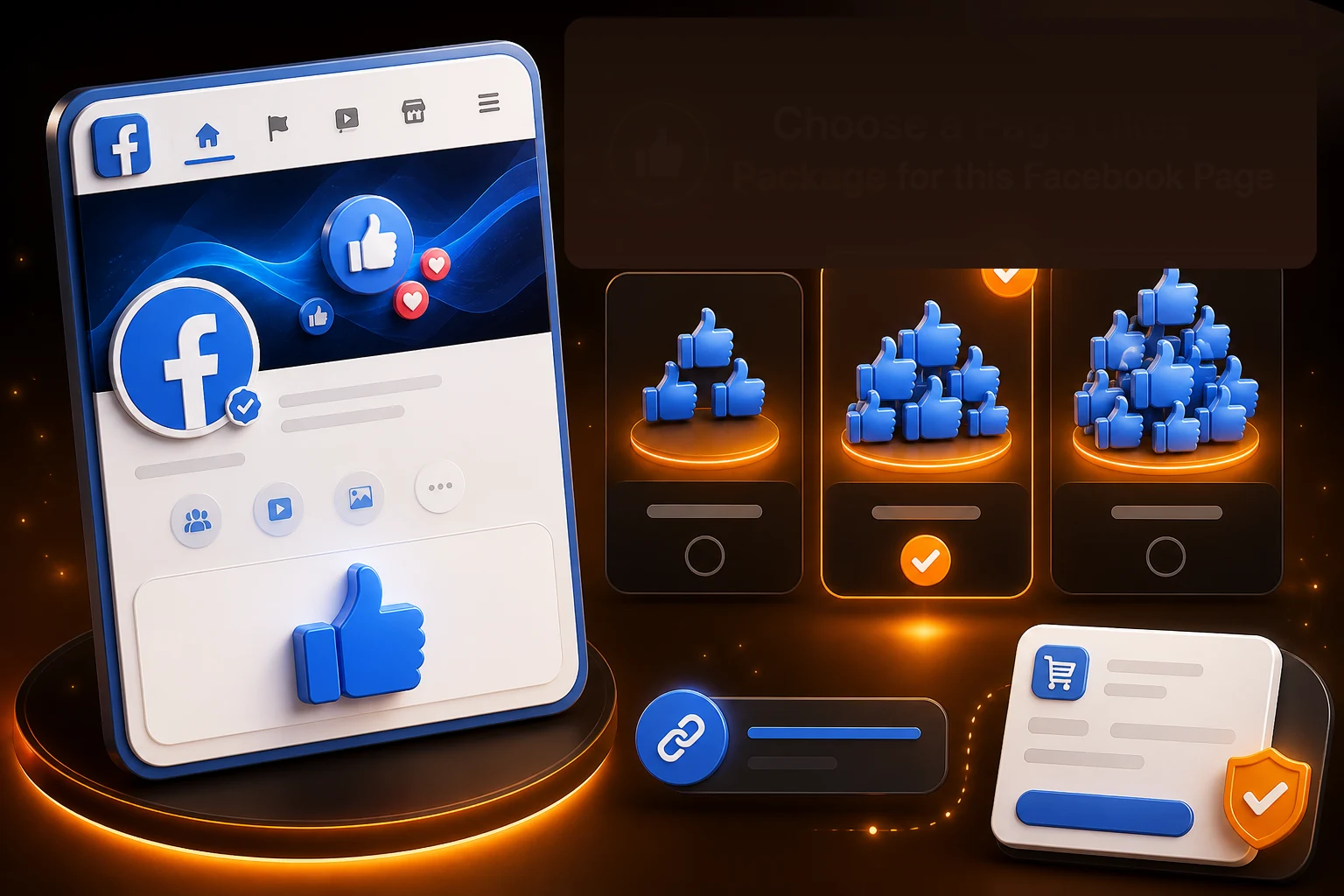
Multiple Page Like Quantities
Compare the available Facebook Page Like quantities and choose the package that matches the number of Page Likes you want to order.
FACEBOOK SERVICES
Buy Facebook Page Likes by choosing the package and quantity that fits your Page. NovaLikes lets you compare available Page Like packages and prices before ordering. Select the number of Page Likes you want, provide the correct public Facebook Page URL, and complete your order online. Your Facebook password is not required, and you can use order tracking after checkout to check available status information.
NovaLikes sells Facebook Page Like packages for public Pages. You choose a quantity, enter the public Page URL, and pay without your Facebook password. Page Likes apply to the Page-level Page Like metric—they do not add Page followers or likes on a single post.
Compare the available Facebook Page Like packages, quantities, and prices before ordering. Choose the number of Page Likes you want for your public Facebook Page, review the current package price, and add your selected package to the cart when you are ready.
1K Facebook Page Likes
$14.99
Public Facebook Page URL Only · No Password · Secure Checkout
NovaLikes makes it easy to compare Facebook Page Like packages before you order. Choose the Page Like quantity you want, provide the correct public Facebook Page URL, review the package price, and use order tracking after checkout to check available status information.
Compare the available Facebook Page Like quantities and choose the package that matches the number of Page Likes you want to order.
Provide the correct public Facebook Page URL for the Page where you want the Page Likes added. Your Facebook password is not required.
Check the selected Page Like quantity and current package price before adding your order to the cart and completing checkout.
Use the available tracking option after checkout to check status information for your Facebook Page Likes order.
People buy Facebook Page Likes for different reasons. Some want to increase the Page Like count displayed on a Facebook Page, while others choose a Page Likes package for a Page connected to a business, brand, campaign, or ongoing content activity. The service changes the Page Like metric on the selected Page, but it does not guarantee additional followers, post likes, engagement, reach, sales, or organic growth.
If Facebook Followers or Post Likes are the metric you want to change instead, choose the corresponding Facebook service rather than a Page Likes package.
Yes. Facebook Page Like packages can be purchased through online Page Like services. With NovaLikes, you choose an available Page Likes package, provide the public Facebook Page URL for the Page you want to use, and complete your order through the website.
What a Facebook Page Likes Order Changes
A Facebook Page Likes order applies to the Page Like count on the public Facebook Page submitted with the order. It does not automatically add Facebook Followers or likes to individual posts.
What You Need to Place an Order
You need the correct public Facebook Page URL and the Page Likes package you want to purchase. Your Facebook password is not required.
What Facebook Page Likes Do Not Include
Page Likes are separate from Facebook Followers and Post Likes. Ordering Page Likes does not automatically add those other metrics or guarantee additional engagement, reach, sales, or organic growth.
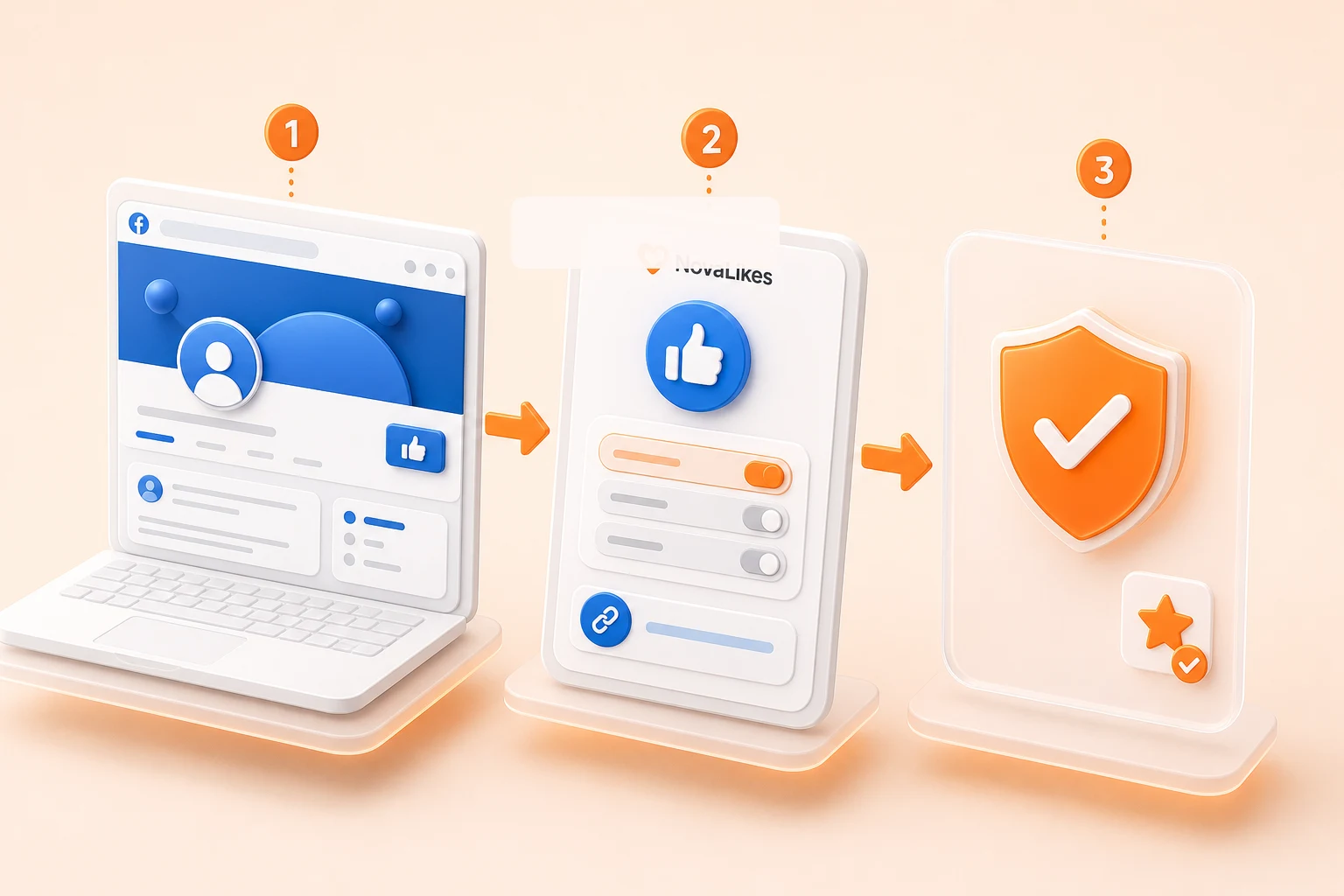
Buying Facebook Page Likes through NovaLikes takes four steps. Choose the Page Likes package you want, provide the public Facebook Page URL, complete checkout, and use your order details to check its status.
Step 1
Compare the available Facebook Page Like quantities and prices, then select the package you want for your Page.
Step 2
Provide the correct public Facebook Page URL for the Page where you want the Page Likes added. Your Facebook password is not required.
Step 3
Review the selected Page Like quantity and price, then continue through checkout to place your order.
Step 4
After checkout, use the available order tracking option to check status information for your Facebook Page Likes order.
After you place a Facebook Page Likes order, the Page Likes package and public Facebook Page URL you submitted are used to process the order for the selected Page. Keep the Page publicly accessible where required while the order is being handled.
The selected Page Likes package, quantity, and submitted Facebook Page URL are associated with your order so the request can be processed for the intended Page.
The order applies to the Facebook Page connected to the URL you provided. Check the Page URL carefully before completing checkout.
The time needed to process an order can vary depending on the Page Like quantity and current order conditions. One fixed delivery time should not be expected for every package.
Use NovaLikes order tracking for available status updates. If you need help, contact support with the relevant order information.
Facebook Page Likes, Facebook Followers, and Facebook Post Likes represent different metrics. Choose the service based on whether you want to change the Page Like count, follower count, or the like count on a specific Facebook post.
Current focus
Page Likes are a Page-level metric. Choose Facebook Page Likes when the Page Like count on a public Facebook Page is the metric you want to change.
Facebook Page LikesFollowers are a separate Page-level metric. Choose Facebook Followers when you want to increase the follower count shown on a public Facebook Page.
View Facebook FollowersPost Likes are a post-level metric. Choose Facebook Post Likes when you want to increase the like count on a specific eligible public Facebook post.
View Facebook Post LikesChoose the Facebook service that matches the exact metric you want to change before placing an order.
Before you buy Facebook Page Likes, review the package and Page details before completing your order. Make sure the Page Like quantity, price, Facebook Page URL, and selected service match what you want for the Page.
Review the number of Facebook Page Likes included in the package so you know how many you are ordering for the submitted Page.
Check the current price shown for your selected Page Likes package before adding it to the cart. If you change the quantity, review the updated price before checkout.
Check the public Facebook Page URL carefully so the order is associated with the exact Page where you want the Page Likes added.
Page Likes, Followers, and Post Likes are separate metrics. Check that Facebook Page Likes is the service you need before placing the order.
Check the relevant purchase policies and available support options so you know where to look if you have a question about your order.
Check the submitted Facebook Page URL, Page Like quantity, and price one more time before checkout. Avoid relying on claims that buying Page Likes will guarantee additional followers, Post Likes, engagement, reach, sales, or organic growth.
Facebook Page Likes applies to the Like count of an eligible public Facebook Page. Make sure the Page submitted during checkout is the exact Page you want to use.
Use the public Facebook Page URL requested for the service. A link to an individual Facebook post is not the correct target for Page Likes.
Keep the submitted Page publicly accessible where required while the order is being processed.
Page Likes and Followers are both Page-level metrics, but they are different services. Choose the one that matches the metric you want to change.
Check the selected Page Like quantity and current package price before completing your order.
Compare some of the Facebook Page Like quantities available on NovaLikes below, or return to the full pricing section to see all available package options.
| Package Size | Recommended For |
|---|---|
| 100 Page Likes | A smaller package for a public Facebook Page where you want to add one hundred Page Likes. |
| 500 Page Likes | A smaller-to-mid-range option for a Facebook Page where you want to add five hundred Page Likes. |
| 1,000 Page Likes | A mid-range package for a public Facebook Page where you want to add one thousand Page Likes. |
| 5,000 Page Likes | A larger option for a Facebook Page where you want to add five thousand Page Likes. |
| 10,000 Page Likes | A higher-volume package for a public Facebook Page where you want to add ten thousand Page Likes. |
Buying Page Likes changes the Page Like count on the selected Facebook Page, but the rest of your Facebook activity still depends on the content you publish and how you manage your Page. Keep your Page active, review its performance, and interact with your audience alongside the service.
Page Like count is only one metric on a Facebook Page. Your followers, post interactions, audience responses, and other activity still depend on how you manage your Facebook presence.
Continue publishing posts that fit your business, brand, topic, or the audience you want to reach.
Review your Page name, description, contact details, website, business information, and other public details when relevant.
If insights are available for your Page, review Page activity, post performance, engagement, and other available data to understand how your own content performs.
Try different post formats, topics, images, videos, and publishing approaches to learn what works for your Page.
Reply to genuine comments and messages when appropriate. A higher Page Like count does not replace the interactions you build through your own Page activity.
Keep managing and publishing on your Page rather than treating a Page Likes package as a replacement for ongoing Facebook activity.
A few simple mistakes can cause problems with a Facebook Page Likes order. Check the Page URL, Page Like quantity, service, and expectations before checkout so you know exactly what you are ordering.
Check the public Facebook Page URL carefully before ordering. The URL should point to the exact Page where you want the Page Likes added.
Page Likes, Followers, and Post Likes are separate services. Choose Facebook Page Likes only when the Page Like count on a Page is the metric you want to change.
Review the number of Page Likes included in your selected package before checkout so you do not order a different quantity from the one you intended.
Avoid deleting the submitted Page or making it unavailable while the order is being processed.
A higher Page Like count does not automatically mean more followers, Post Likes, engagement, reach, sales, or organic growth.
You need the public Facebook Page URL for the Page and the Page Likes package you want to order. Your Facebook password is not required.
Choose based on the number of Page Likes you want for the selected Page and the price you are comfortable with. Review the current quantities and prices in the pricing section above.
No. NovaLikes does not require your Facebook password for a Page Likes order. You only need to provide the correct public Facebook Page URL.
Processing time can vary depending on the Page Like quantity and current order conditions. Check your order status for available updates rather than expecting one fixed delivery time for every package.
Yes. Use the NovaLikes order tracking option after checkout to check available status information for your purchase.
Contact support as soon as possible with your order details. Check the Page URL carefully before checkout because the submitted Page is used to process the order.
Not automatically. Page Likes, Followers, and Post Likes are separate metrics and services. A Facebook Page Likes package applies to the Page Like count on the selected Page.
Keep the submitted Page publicly accessible where required while the order is being processed. If you are unsure whether your Page can be used, check the service details or contact support before ordering.
Compare the available Page Like quantities and prices, choose the package that fits the Facebook Page you want to use, and place your order with the correct public Facebook Page URL.