
Instagram Profile Picture Viewer
Instagram crops profile photos into a small circle on most screens, so it is hard to inspect the image itself. Enter a public username or profile URL and NovaLikes will show the photo Instagram already publishes for that account — larger, with options to view or download it.

Quick answer
This tool displays the profile photo Instagram publishes for a public username or profile URL. You can view or download that image when Instagram exposes it on the public page. Private or login-only accounts are not supported, and no Instagram password is required.
See a public Instagram photo at a usable size
A profile picture is often the only image people can open without following an account, yet Instagram’s own layout keeps it tiny. This page is for that gap: you look up a public username and, when Instagram includes the photo on the public profile, we display it at a size you can actually see.

What Can You See?
Profile Photo
The public avatar, shown large enough to inspect.
Username lookup
Works with a handle, @username, or a public profile URL.
Full-size view
Open the same public image in a new tab when Instagram exposes it.
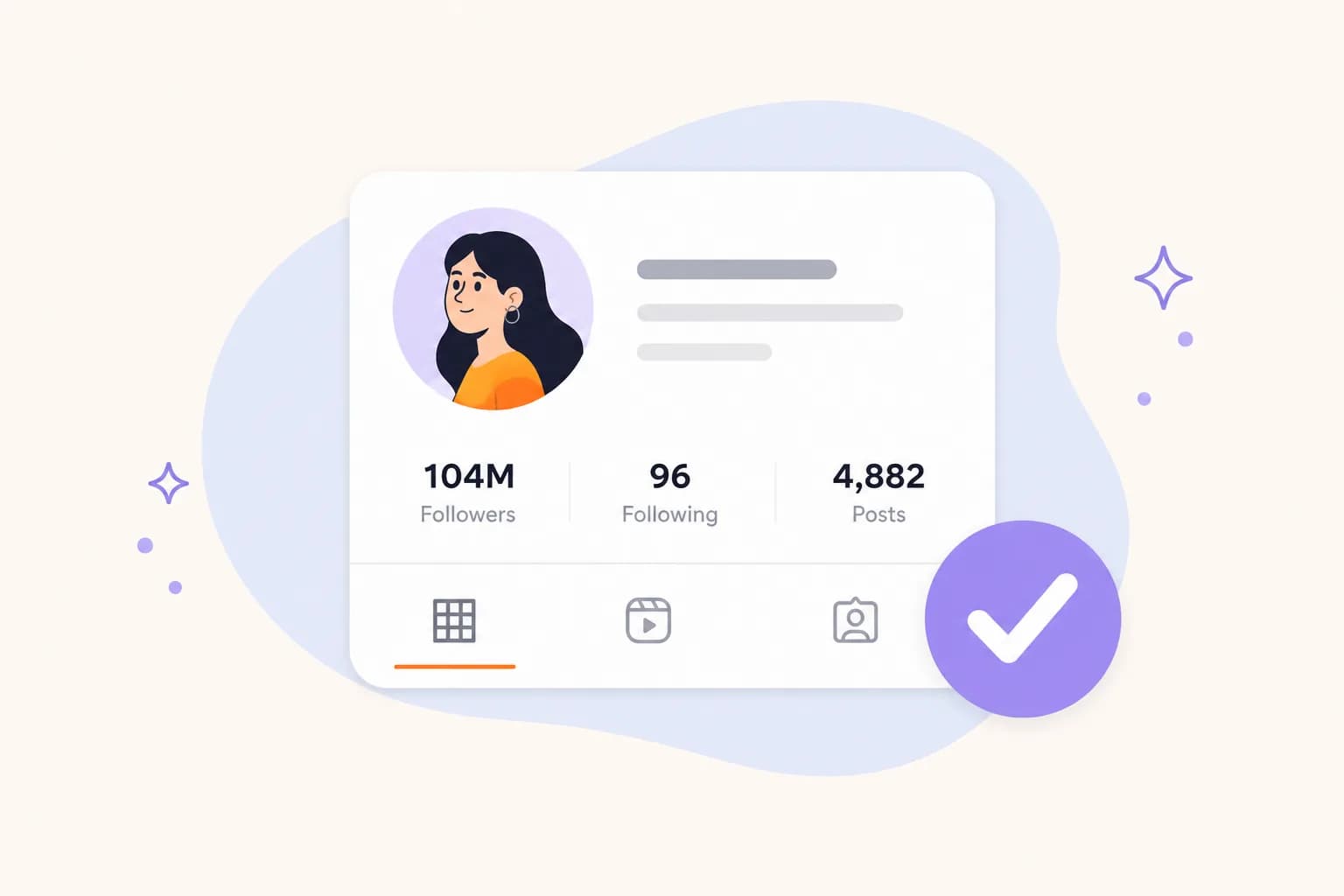
Download file
Save the published photo through NovaLikes — not a private feed.
How to Use It
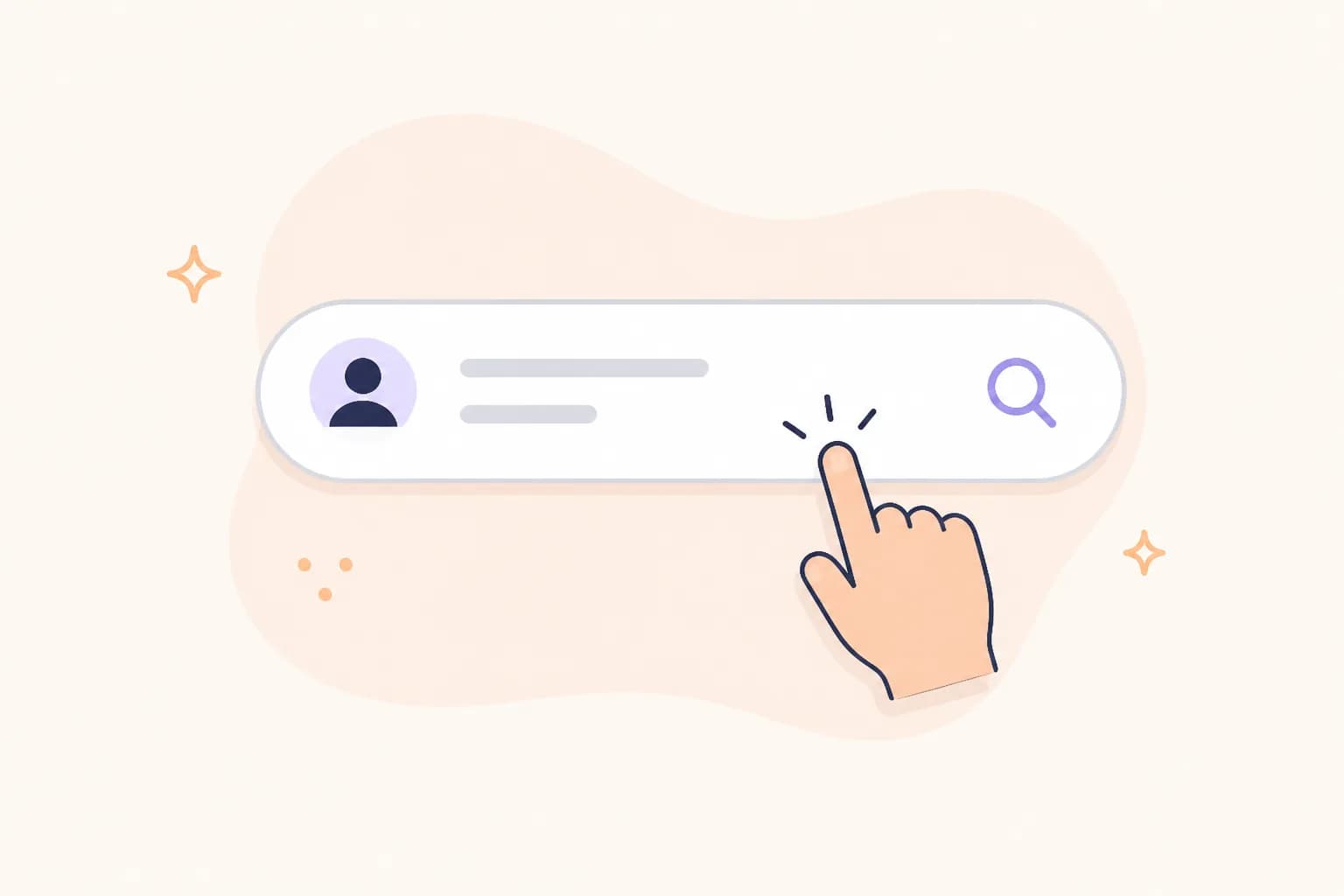
Step 1
Copy a public Instagram username or the profile URL from the address bar.
Step 2
Paste it above and choose View photo.
Step 3
Use View Full Size or Download Image when the public photo is available.
Public profiles only. Private, hidden, or login-only profiles cannot be viewed.


Looking to Grow Your Instagram Presence?
This tool is free. Package pages are separate if you also want to grow a public account.
Explore Services