
TikTok Shadowban: How to Check, Fix It and How Long It Lasts
TikTok does not use the word shadowban, but it does make videos and accounts ineligible for the For You feed. Here is how to check, appeal and fix it.
On this page
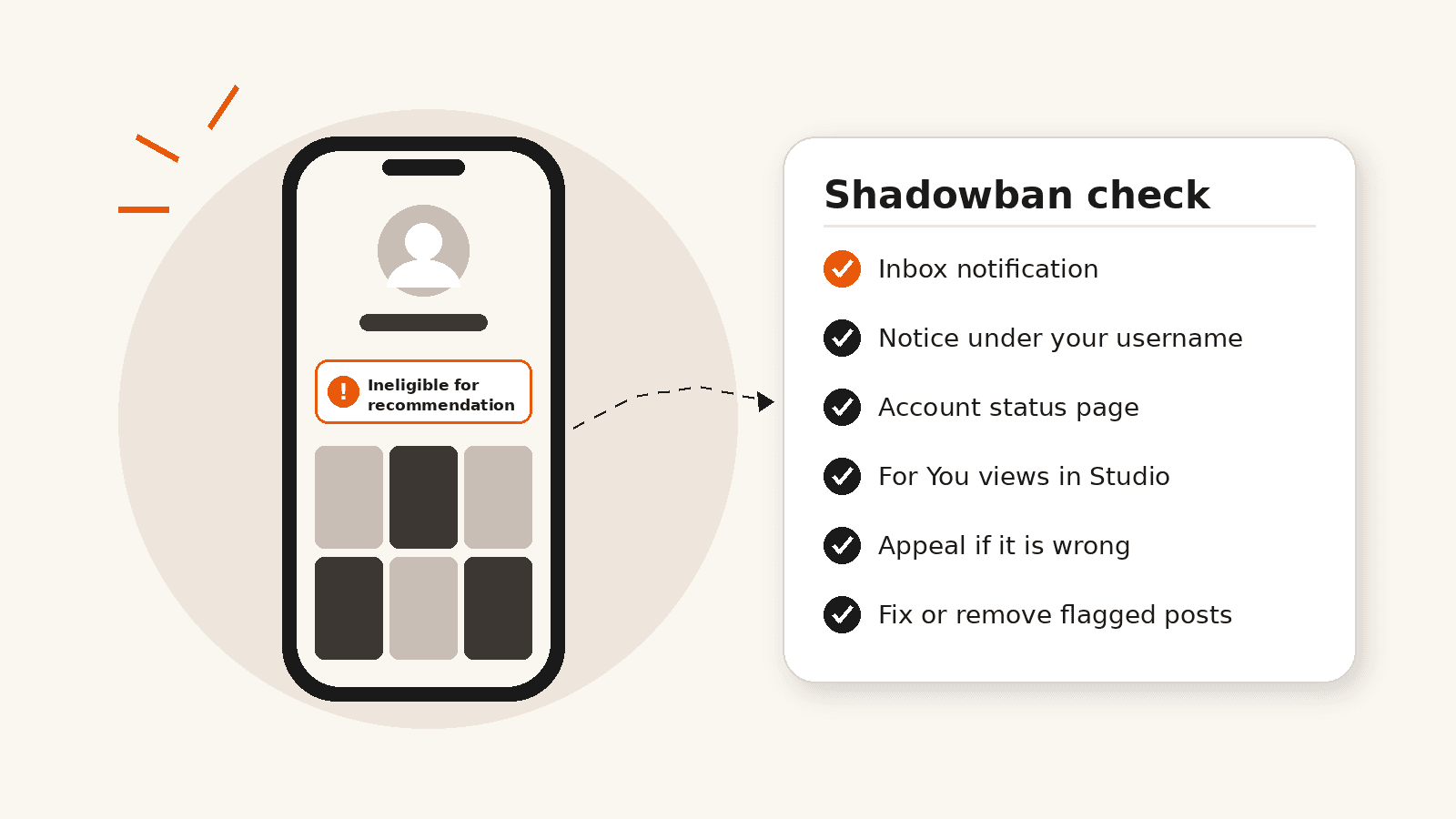
TikTok does not use the word shadowban. What it does do is make some videos, and sometimes whole accounts, ineligible for the For You feed, so they are shown to far fewer people. TikTok says it tells you when this happens, in your inbox and with a notice on your profile. So the quickest check is to look for that notice. If there is none, a sudden drop in views is much more likely to be a normal dip than a hidden penalty.
At a glance
- TikTok does not use the word shadowban; it makes some videos and accounts ineligible for the For You feed.
- TikTok says it notifies you in your inbox and on your profile when this happens.
- No notice usually means no restriction, so look at the videos themselves.
- There is no fixed duration. Fixing or removing flagged posts is what you can control.
- Reinstalling the app, switching account type or adding #fyp does not lift it.
What a TikTok Shadowban Actually Is
Creators say “shadowban” when views fall suddenly and nothing seems to be wrong. TikTok describes three separate things that can cause that kind of drop:
| What happens | What it means | How you find out |
|---|---|---|
| One video is ineligible for the For You feed | That video is not recommended, but it stays up and can still be found through search or by your followers | A notice on the video or in your inbox |
| Your account is ineligible for recommendation | Your account and posts stop appearing in the For You feed and are harder to find in search | An inbox notification and an “Ineligible for recommendation” notice under your username |
| A violation, restriction or ban | A post is removed, or features such as posting, commenting or LIVE are limited | Notifications and the Account status page |
TikTok says that if an account repeatedly posts content it considers unsuitable for the For You feed, the account and its posts will not appear there and will be harder to find in search. It also says it notifies the creator and explains which content was flagged. (TikTok Support)
How to Check if You Are Shadowbanned on TikTok
- Open your Inbox and look for a notification saying a video or your account is not eligible for recommendation.
- Go to your profile and look for an “Ineligible for recommendation” notice under your username.
- Open Account status in Settings and privacy and check for recent violations or restrictions. Menu names can differ slightly between app versions.
- Open a recent video in TikTok Studio and look at where its views came from. If For You views fell sharply while views from followers and your profile look normal, the change is in recommendations.
- Compare the video with your usual posts, not with your best one.
Account status lists issues that affect your account or posts, such as violations and restrictions on features. (TikTok Support)
If the first three checks show nothing, TikTok has not told you about any restriction. Skip third-party “shadowban checker” sites as well. They cannot see TikTok’s internal decisions, and some ask for your login details.
Why TikTok Restricts Videos and Accounts
TikTok publishes For You feed eligibility standards that list the content it does not recommend. The ones creators run into most often are:
- unoriginal content: videos uploaded again without new or creative edits, and very short, low-quality clips
- fake engagement: content that tricks people into liking, following or commenting, such as like-for-like promises
- dangerous activities and challenges
- body exposure and sexually suggestive content
- shocking and graphic content
- misinformation
- any content from accounts of creators under 16
TikTok also says it does not allow services that artificially increase engagement, such as selling followers or likes. (TikTok Newsroom) Our guide on whether buying TikTok followers affects FYP reach covers what that means in practice.
How Long Does a TikTok Shadowban Last?
TikTok gives no fixed time. It says it may restore an account to good standing automatically at any time, depending on how much of the account’s content is unsuitable.
The “14 days” figure you see online comes from creator reports, not from TikTok. Because TikTok links recovery to how much of your content is unsuitable, fixing or removing the flagged posts is the part most within your control.
How to Fix a TikTok Shadowban
- Read the notice. It tells you which videos were flagged and why.
- If you think TikTok got it wrong, appeal. From your inbox, tap the notification, tap View more, review the videos, then tap Appeal. Or tap the “Ineligible for recommendation” notice on your profile and do the same.
- If the notice is right, delete or edit the flagged videos and stop posting that type of content.
- Keep posting original videos that follow the rules. Ineligible posts can still reach your followers and appear in search, so your account is not invisible while this is resolved.
- If a feature such as posting, commenting or LIVE is limited, follow the steps shown in Account status.
Fixes That Do Not Work
- Deleting and reinstalling the app or clearing the cache. The decision is tied to your content and account, not to your phone.
- Switching to a Business or Creator account. TikTok does not list account type as a reason for a video being ineligible.
- Adding #fyp or #foryou. TikTok’s recommendation explanations give these hashtags no special role.
- Deleting all your old videos. Only the flagged posts matter, and removing good videos takes away content that still works for you.
TikTok says its recommendations are based on factors such as how viewers interact with videos, video information like captions, sounds and hashtags, and device and account settings. (TikTok Newsroom)
No Notice, but Your Views Dropped?
Then you are most likely not restricted. Views move a lot from one video to the next, because each video is recommended on its own. Check these first:
- Is the drop on every video, or only on one or two?
- Did you change topic, length or format recently?
- Are the first few seconds weaker than in your stronger videos?
- Are For You views down while your followers still watch?
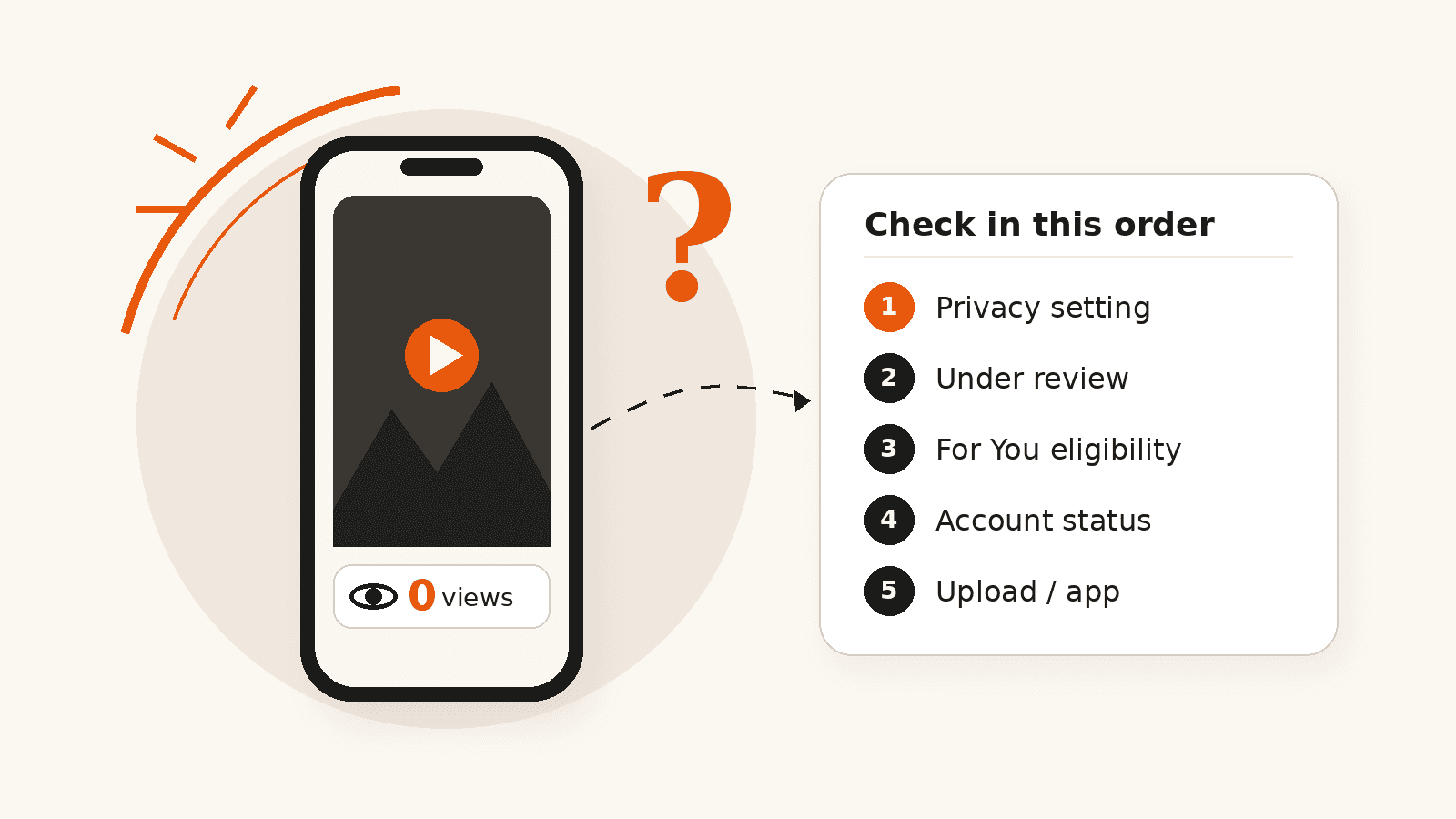
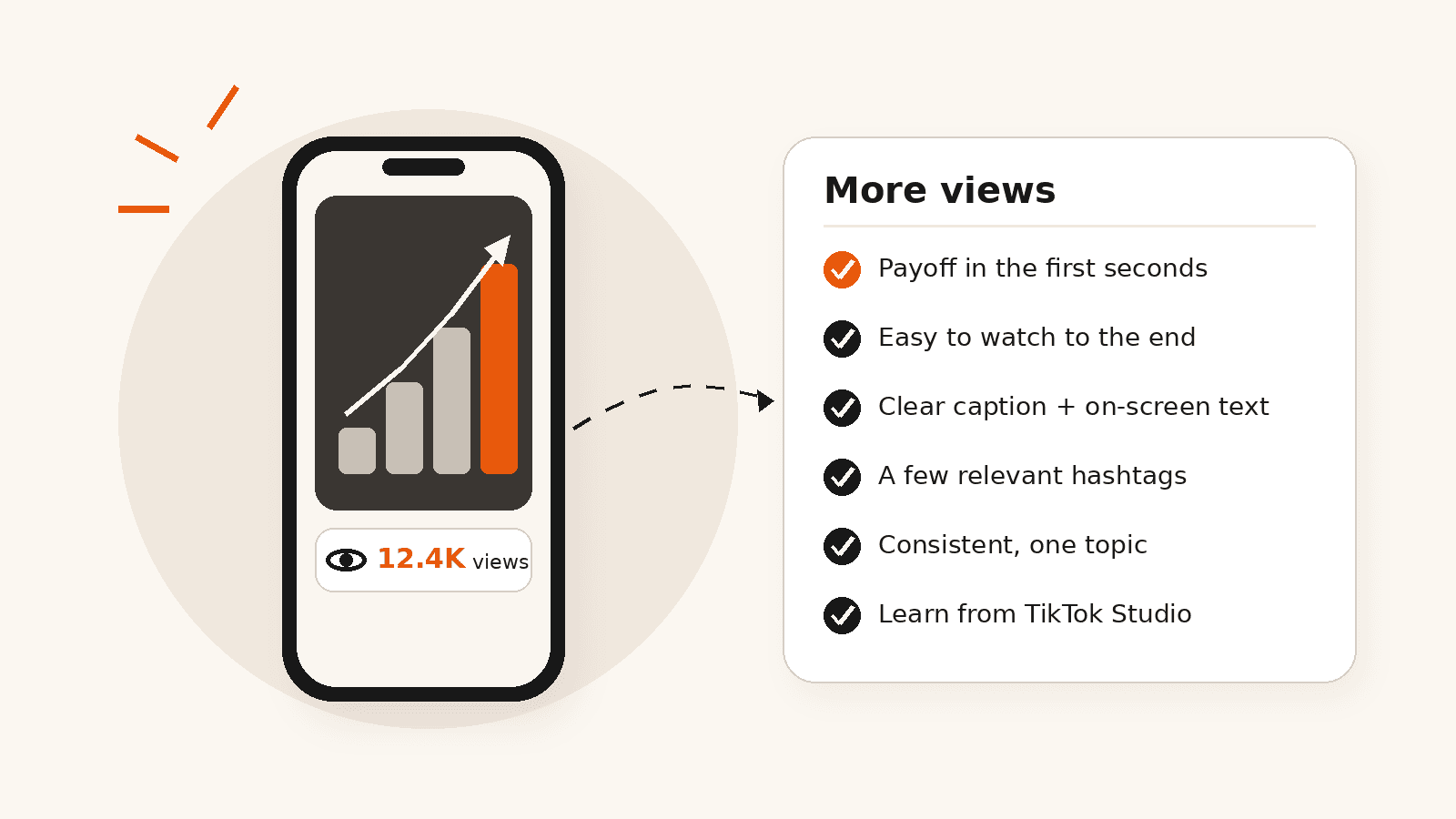
If a video is stuck at exactly zero, our guide on why a TikTok has 0 views goes through each cause in order. If views are low rather than zero, our guide on how to get more views on TikTok covers what to change.
Frequently asked questions
Is a TikTok shadowban real?
Not under that name. TikTok makes some videos and accounts ineligible for the For You feed, which cuts their reach, and it says it notifies the creator in their inbox and on their profile when it does.
How do I know if I am shadowbanned on TikTok?
Check your inbox for an ineligibility notification, look for an “Ineligible for recommendation” notice under your username, and open Account status in Settings and privacy. If all three are clear, TikTok has not flagged a restriction you can see.
How long does a TikTok shadowban last?
TikTok does not give a fixed time. It says it may restore an account automatically at any time, depending on how much of its content is unsuitable for the For You feed.
Can you appeal a TikTok shadowban?
Yes. Open the ineligibility notification in your inbox and tap View more, or tap the “Ineligible for recommendation” notice under your username. Review the videos listed, then tap Appeal.
Does deleting TikTok and reinstalling it remove a shadowban?
No. Eligibility decisions are tied to your content and your account, not to the app on your phone.
Can buying followers get you shadowbanned on TikTok?
It can put your account at risk. Buying followers breaks TikTok's rules on fake engagement, fake engagement is on TikTok's list of content it does not recommend, and TikTok says it removes fake followers or likes.
Related services
Related guides
Why Does My TikTok Have 0 Views? Causes and Fixes
A TikTok stuck at 0 views is usually not public, still in review, ineligible for the For You feed, restricted at account level, or stuck in upload. Here is how to check each one.
How to Get More Views on TikTok: 10 Ways That Work
Hook viewers early, make videos easy to finish, describe them clearly, post consistently in one topic and learn from TikTok Studio. Ten ways to get more TikTok views, with TikTok’s own guidance.
Can Buying TikTok Followers Affect FYP Reach or Account Safety?
Buying TikTok followers raises two different questions that are often mixed together: can it affect your account, and can it affect your For You Page reach?
Explore TikTok Services
Compare the available NovaLikes options for TikTok views, likes and followers.