
How to Reset Your TikTok FYP (Refresh Your For You Feed)
Reset your TikTok FYP in Settings and privacy, Content preferences, Refresh your For You feed. Here is what changes, what stays, and how to retrain your feed afterwards.
On this page
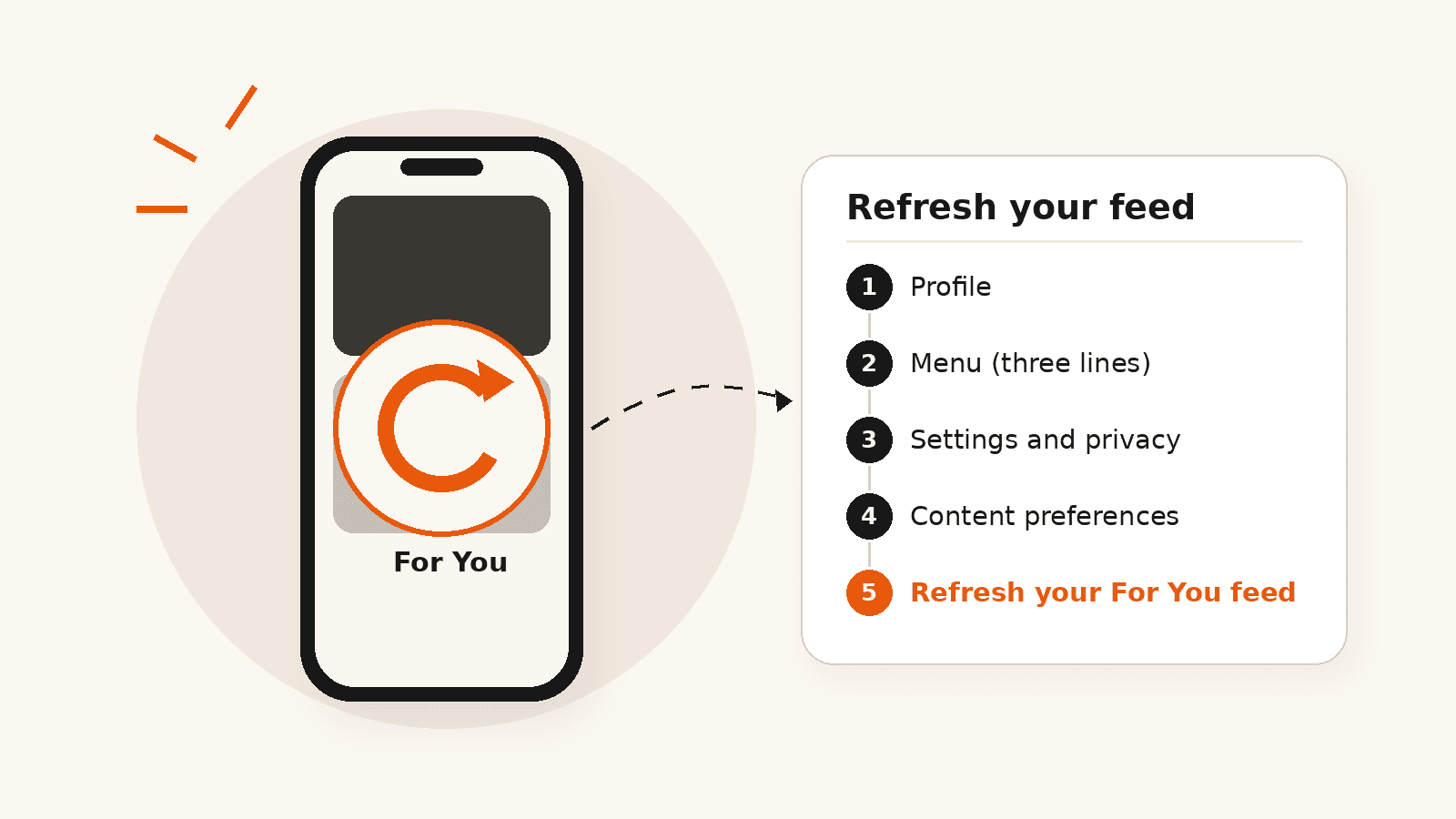
To reset your TikTok FYP, go to Profile, tap the menu, open Settings and privacy, then Content preferences, and choose Refresh your For You feed. TikTok then shows you content as if you had just joined and rebuilds your recommendations from what you watch next. (TikTok Newsroom)
The refresh does not unfollow anyone or undo your other settings. The first few sessions after it matter most, because that is what TikTok learns from.
At a glance
- Reset path: Profile, menu, Settings and privacy, Content preferences, Refresh your For You feed.
- A refresh restarts your For You feed but keeps the accounts you follow and your existing settings.
- Your first sessions after a refresh shape the new feed the most.
- For a partly wrong feed, use Not interested, keyword filters or Manage Topics instead.
- Resetting your feed does not change who sees your own videos.
How to Refresh Your For You Feed, Step by Step
- Open TikTok and tap Profile.
- Tap the menu (three lines) in the top corner.
- Tap Settings and privacy.
- Tap Content preferences.
- Tap Refresh your For You feed.
- Tap Continue, then Refresh to confirm.
TikTok documents the feature on its support site. (TikTok Support) Menu names can change slightly between app versions, so if the wording is different, look for the refresh option inside Content preferences.
What a Refresh Changes and What It Does Not
| Changes | Does not change |
|---|---|
| Your For You feed starts again, as if you had just joined | The accounts you follow |
| Recommendations are rebuilt from your new interactions | Settings you already turned on, such as keyword filters |
| Old interests stop steering what you are shown | Your own posts, followers or likes |
TikTok says enabling a refresh will not override settings you have already chosen or affect the accounts you follow. Your own videos, followers and likes are part of your account, not your feed, so a refresh is not a way to delete them.
How to Retrain Your Feed After the Refresh
TikTok recommends videos based on your interactions (what you watch, like, share, comment on and follow), information about the videos (captions, sounds and hashtags) and your device and account settings, such as language and country. (TikTok Newsroom) After a refresh, use that to your advantage:
- Search for the topics you actually want and watch a few videos to the end.
- Like, save or share the videos you want more of. These are clear signals.
- Follow a handful of creators in your chosen topics.
- Swipe away quickly from videos you do not want, instead of watching them out of curiosity.
- Long-press a video and tap Not interested for anything that keeps coming back.
Fixing Your FYP Without a Full Reset
If only part of your feed is wrong, a full refresh is more than you need. TikTok gives you lighter controls:
- Not interested: tells TikTok to show you fewer videos like this one, including from that creator or with that sound.
- Keyword filters: hide videos that use specific words or hashtags from your For You feed.
- Manage Topics: choose to see more or less of a set of popular topics. It does not remove a topic completely.
TikTok pointed to keyword filters and Not interested when it launched the refresh feature, and in 2025 added Manage Topics and smarter keyword filters that also catch similar words and synonyms. (TikTok Newsroom) Look for them under Content preferences, near the refresh option.
Will Resetting My FYP Help My Own Videos Get More Views?
No. Refreshing changes what you see, not who sees your videos. Your posts are recommended to other people based on their interactions and your video’s information, not on your personal feed.
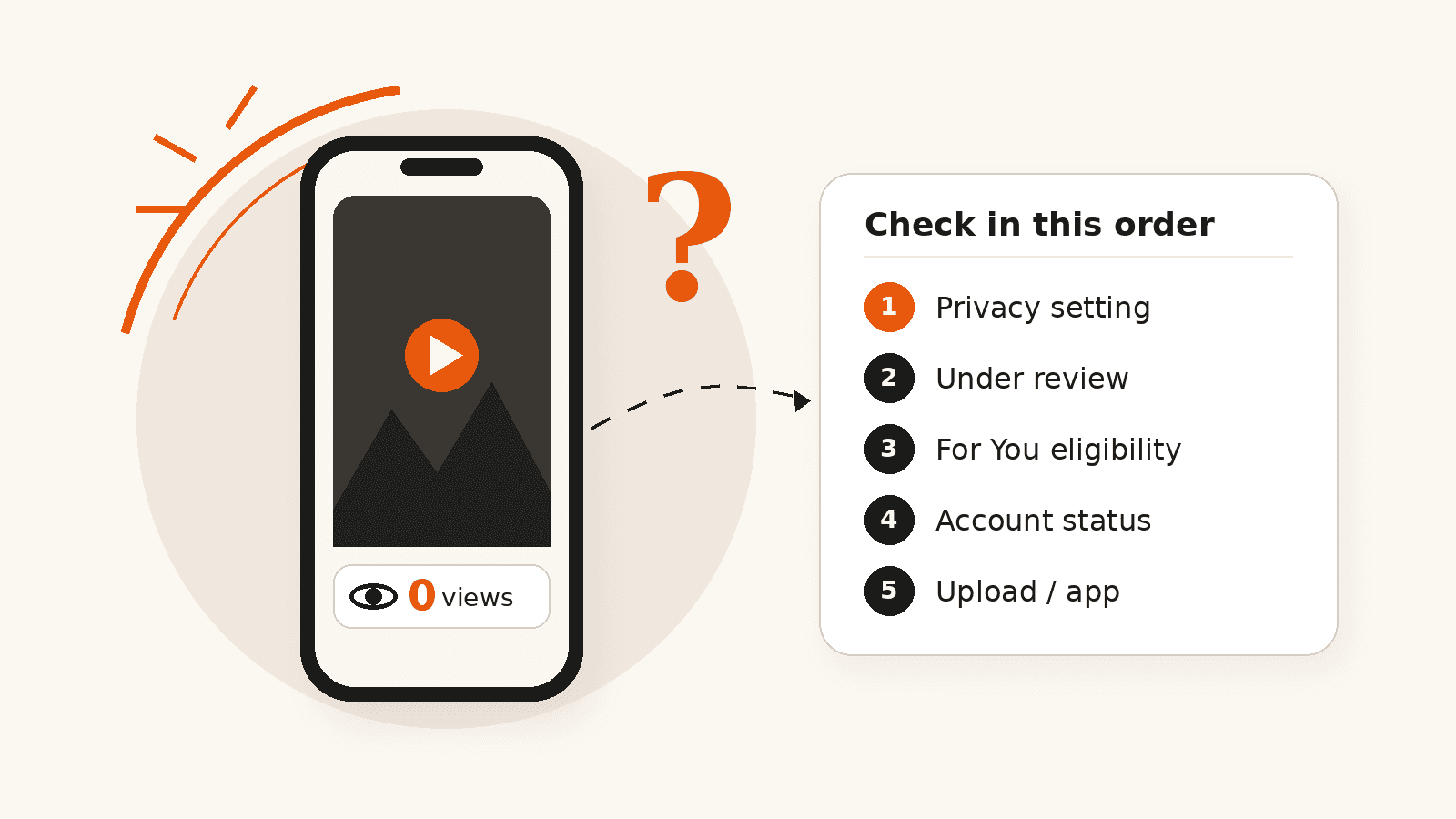
If your own videos are stuck, look at the posts and the account instead. Our guide on why a TikTok has 0 views walks through privacy, review, eligibility and account checks in order.
Does Clearing the Cache Reset the Algorithm?
No. Clearing the cache (usually under Settings and privacy, Free up space) removes temporary files and frees storage on your phone. TikTok does not describe it as a way to change recommendations. Use Refresh your For You feed for that.
Frequently asked questions
Will resetting my FYP unfollow accounts or delete my likes?
No. TikTok says a refresh does not affect the accounts you follow or override settings you already chose. Your followers, posts and likes are part of your account, not your For You feed.
Why can’t I find Refresh your For You feed?
Update the app first. The option sits under Profile, menu, Settings and privacy, Content preferences. Menu labels can change between app versions, so look for the word refresh in that section.
How long does it take for my FYP to change after a reset?
TikTok does not publish a timeline. The feed starts adjusting as soon as you interact with new videos, so watching, liking and following in your chosen topics right away speeds it up.
Why is my TikTok algorithm messed up?
Usually because your recent interactions point somewhere you did not intend, such as videos you watched to the end out of curiosity. Use Not interested on those videos, add keyword filters, or refresh the feed if most of it feels wrong.
Does resetting my FYP help my videos get more views?
No. It only changes what you are shown. Your videos are recommended to other people based on their interactions and your video’s information.
Related services
Related guides
Why Does My TikTok Have 0 Views? Causes and Fixes
A TikTok stuck at 0 views is usually not public, still in review, ineligible for the For You feed, restricted at account level, or stuck in upload. Here is how to check each one.

TikTok SEO in 2026: How to Rank Videos in TikTok Search
TikTok SEO means making videos that match what people search for inside TikTok. Here is how TikTok search works, how to find topics with Creator Search Insights, and what actually helps.
How Are TikTok Video Views Counted?
TikTok uses the word views for several different numbers. Here is how public views differ from Creator Rewards qualified views, why the numbers rarely match, and how to read them.
Explore TikTok Services
Compare the available NovaLikes options for TikTok views, likes and followers.