
Why Does My TikTok Have 0 Views? Causes and Fixes
A TikTok stuck at 0 views is usually not public, still in review, ineligible for the For You feed, restricted at account level, or stuck in upload. Here is how to check each one.
On this page
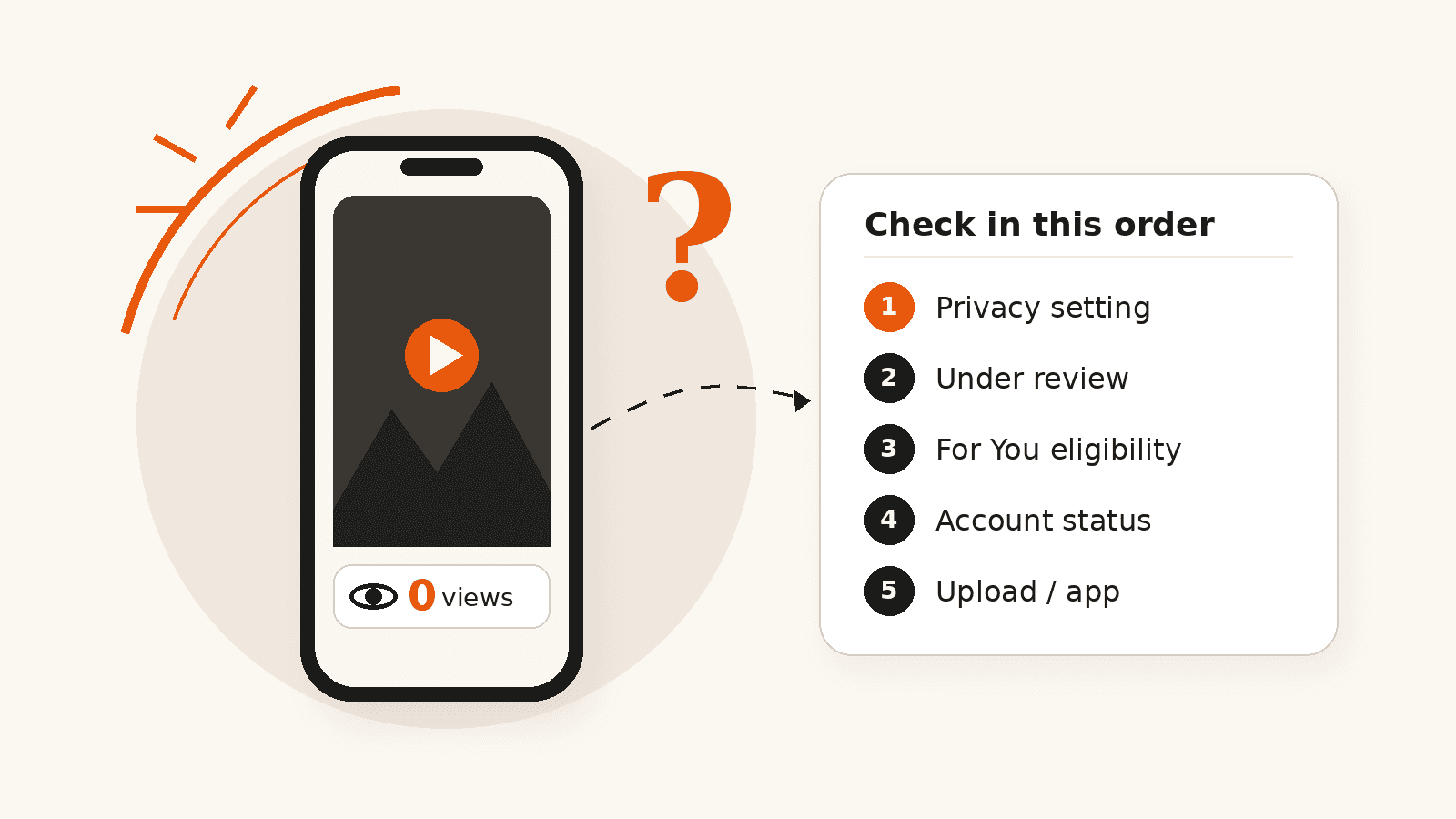
A TikTok video usually sits at 0 views for one of five reasons: it is not set to public, it is still being reviewed, it is not eligible for the For You feed, your account has a restriction, or the upload did not finish properly. Check them in the order below. The first two take seconds, and together they explain most stuck videos.
A brand-new account with no followers can also wait a little before its first viewers arrive, but a public video that is still at exactly 0 after an hour is more often blocked than unlucky.
At a glance
- Exactly 0 views usually means a blocker: privacy, review, eligibility, an account restriction or a failed upload.
- Check post privacy first. It takes seconds and is the most common cause.
- Ineligible posts are kept out of the For You feed but can still be found through search and followers.
- Follower count is not a direct factor in TikTok recommendations, so new accounts can get views.
- “200 view jail” is not an official TikTok term. Low views are a different problem from 0 views.
Quick Checklist: Causes and Fixes
| Cause | How to check | What to do |
|---|---|---|
| Post is not public | Open the post, tap More options, then Privacy settings | Set who can view it to Everyone; a private account limits views to followers |
| Still in review | The post shows a review notice, or it was uploaded only minutes ago | Wait; do not delete and re-upload while it is being reviewed |
| Not eligible for the For You feed | A notice on the post or in your inbox says it will not be recommended | Read which rule applies, edit or remove the post, or appeal if you think it is a mistake |
| Account restriction | Account status in Settings and privacy, plus notices on your profile | Follow the notice; appeal from the inbox or profile notice if it is wrong |
| Upload or app problem | The video will not play from your own profile, or other posts show views normally | Update the app, reconnect, and only then consider re-uploading |
Is It Really 0 Views, or Just Low?
These are different problems. A video at exactly 0 usually means nobody is being shown it at all, so look for a setting, a review or a restriction. A video stuck at a few dozen or a few hundred views has been shown to people, and the issue is more likely how viewers reacted to it.
View counts can also lag behind. TikTok notes that post views can fluctuate and points creators to analytics for a clearer picture of performance. (TikTok Support) Our guide to how TikTok video views are counted explains what does and does not count as a view.
1. The Video Is Not Set to Public
This is the most common cause and the quickest to fix. On a public account, each post can be shown to Everyone, Friends (followers you follow back) or Only you. On a private account, the options are Followers, Friends or Only you. (TikTok Support)
- Tap Profile and open the video.
- Tap More options on the side of the post.
- Tap Privacy settings (you may need to swipe left).
- Choose Everyone.
If your whole account is private, only approved followers can watch, so a new private account can easily show 0 views. Our comparison of public and private TikTok accounts covers what else changes.
2. The Video Is Still Under Review
Every new upload is checked before it can be recommended. TikTok says that when a video is first uploaded it goes through its content moderation system, and only videos that pass moderation enter the pool that can be recommended in the For You feed. (TikTok Transparency Center)
Most reviews finish quickly, but TikTok does not publish a fixed time. While a post is in review, deleting it and uploading it again only restarts the process. Give it time first.
3. The Video Is Not Eligible for the For You Feed
A video can stay on TikTok and still be kept out of the For You feed. TikTok publishes For You feed eligibility standards that list the types of content it does not recommend, including:
- content from accounts of creators under 16
- dangerous activities and challenges
- body exposure and sexually suggestive content
- shocking and graphic content
- misinformation, and civic and election integrity issues
- fake engagement
- unoriginal content and QR codes
- alcohol, tobacco and drugs
TikTok says ineligible posts can still be discovered in other ways, such as search or by people who follow you. On a new account with few followers, though, an ineligible post can stay at or near 0.
Fake engagement is on that list, so be careful with anything that promises automatic views or follows. Our guide on whether buying TikTok followers affects FYP reach covers what TikTok says about it.
4. Your Account Has a Restriction
If every new post is stuck, look at the account rather than the video. TikTok says that if you repeatedly post content it considers unsuitable for the For You feed, your account and posts can stop appearing there and become harder to find in search. When that happens, it notifies you in your inbox and on your profile and explains which content was flagged. (TikTok Support)
Check your inbox notifications, the notice under your username on your profile, and the Account status page in Settings and privacy, which lists recent violations and restrictions. Menu names can differ slightly between app versions.
If you think TikTok made a mistake, you can appeal:
- From your inbox: tap the ineligibility notification, tap View more, review the videos, then tap Appeal.
- From your profile: tap the “Ineligible for recommendation” notice below your username, review the videos, then tap Appeal.
TikTok says it may restore recommendations automatically, but it does not give a fixed timeframe.
Creators often call this a shadowban. Our TikTok shadowban guide covers how long it lasts and which popular fixes do not work.
5. The Upload or the App Is the Problem
Sometimes nothing is wrong with the post or the account. Rule out a technical problem before changing anything else:
- Open the video from your own profile and make sure it plays all the way through.
- Check whether your other recent posts are collecting views normally. If they are, the issue is this one post.
- Update the TikTok app and make sure you were on a stable connection when you posted.
- Look in Drafts to confirm the post was actually published and not saved.
What If My Account Is Brand New?
Follower count is not what decides whether a video gets shown. TikTok says that neither follower count nor previous high-performing videos are direct factors in its recommendation system; it looks at things such as viewer interactions, video information like captions, sounds and hashtags, and device and account settings.
So a new account can get views on its first post. If it stays at 0, go back through the checklist above before assuming it is about follower count. Clear captions and spoken keywords also help TikTok match a new video to the right viewers; our TikTok SEO guide shows how.
What About “200 View Jail”?
“200 view jail” is a creator nickname, not a TikTok term. TikTok has not published a fixed test audience or a view limit. A video that stops in the low hundreds has been shown to people, so it is not a 0-view problem.
In that case, compare the video with your better posts in TikTok Studio. Look at how quickly viewers swiped away, how much of the video they watched, and whether the topic matched what your account usually posts. Those numbers tell you more than any view count.
Should You Delete and Repost a 0-View Video?
Only after you have found the cause. Reposting the same file does not fix a privacy setting, an eligibility decision or an account restriction, and a post that breaks a rule will run into the same decision again.
If the cause was technical, or you have changed the part that caused the problem, uploading again is reasonable. Delete the stuck version first so you do not end up with two copies on your profile.
Frequently asked questions
Why does my TikTok have 0 views after an hour?
There is no official timeline, but a public video still at 0 after an hour is usually blocked rather than slow. Check that the post is set to Everyone, that it is not still in review, and that you have no ineligibility notice in your inbox or on your profile.
Is 0 views on TikTok a shadowban?
TikTok does not use the word shadowban. It does make some posts and accounts ineligible for recommendation, and it says it notifies you in your inbox and on your profile when that happens. If you see no notice, check privacy and review status first.
Why does my TikTok show 0 views but has likes?
View counts can update later than likes and comments. If likes are arriving, people are seeing the video. Wait, refresh, and check the post in TikTok Studio, which gives a more reliable picture than the public counter.
Does a private TikTok account get 0 views?
It can. On a private account, only approved followers can watch your posts, so an account with few followers can easily show 0 views.
Should I delete a TikTok with 0 views?
Find the cause first. Reposting does not fix a privacy setting, an eligibility decision or an account restriction. If the problem was a failed upload, deleting and posting again is reasonable.
How do I appeal a TikTok video that will not be recommended?
Open the ineligibility notification in your inbox and tap View more, or tap the “Ineligible for recommendation” notice under your username. Review the videos listed, then tap Appeal.
Related services
Related guides
How Are TikTok Video Views Counted?
TikTok uses the word views for several different numbers. Here is how public views differ from Creator Rewards qualified views, why the numbers rarely match, and how to read them.
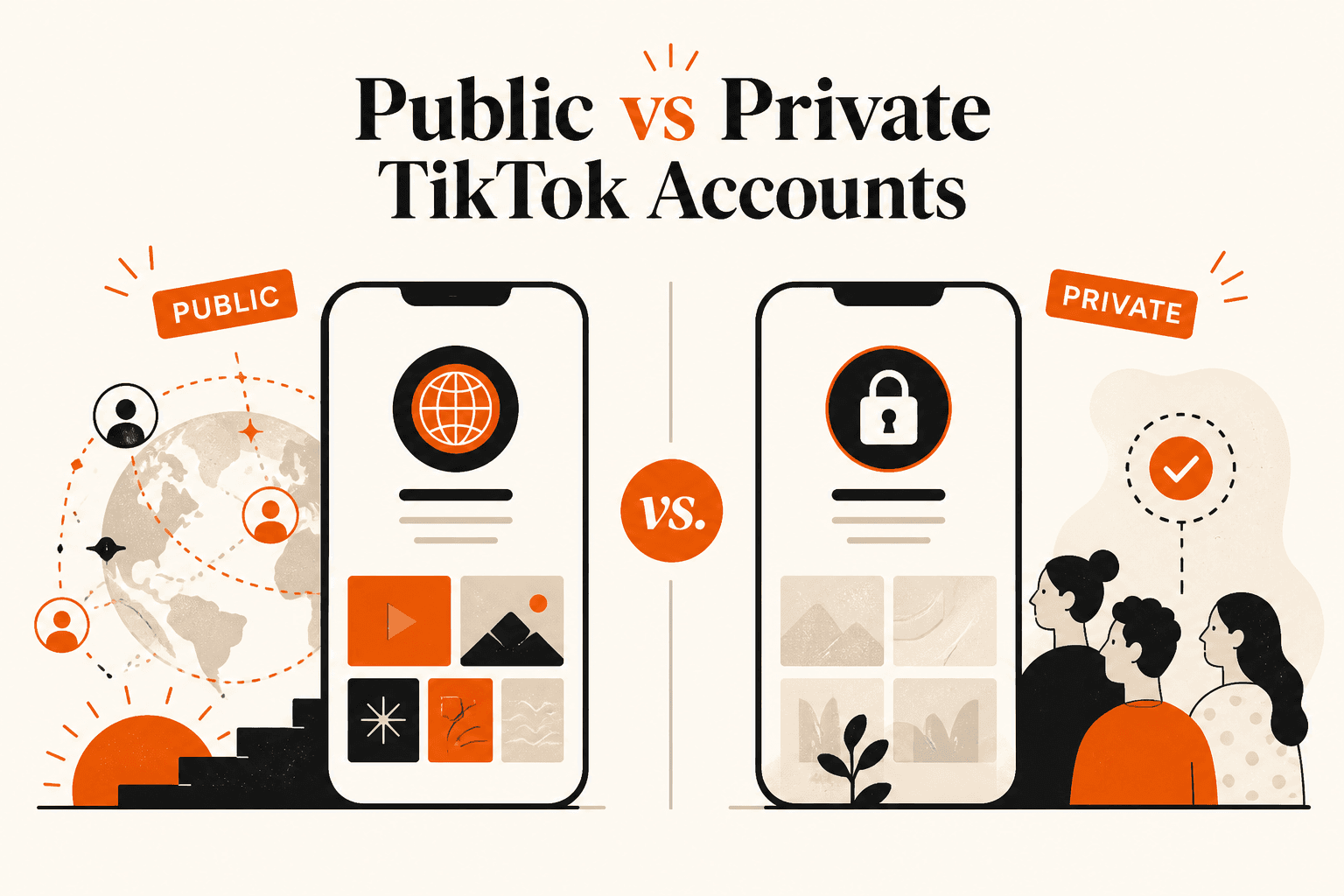
Public vs Private TikTok Accounts: What Actually Changes?
A private TikTok account lets you approve followers and blocks Duets, Stitches and downloads, but your profile can still be found in search. Here is what each setting changes.
Why Do TikTok Videos Get Views but No Followers?
Getting TikTok views but few followers is common. Here are the real reasons views do not turn into follows, and practical fixes for your profile, content and follow up videos.
Explore TikTok Services
Compare the available NovaLikes options for TikTok views, likes and followers.